What it does
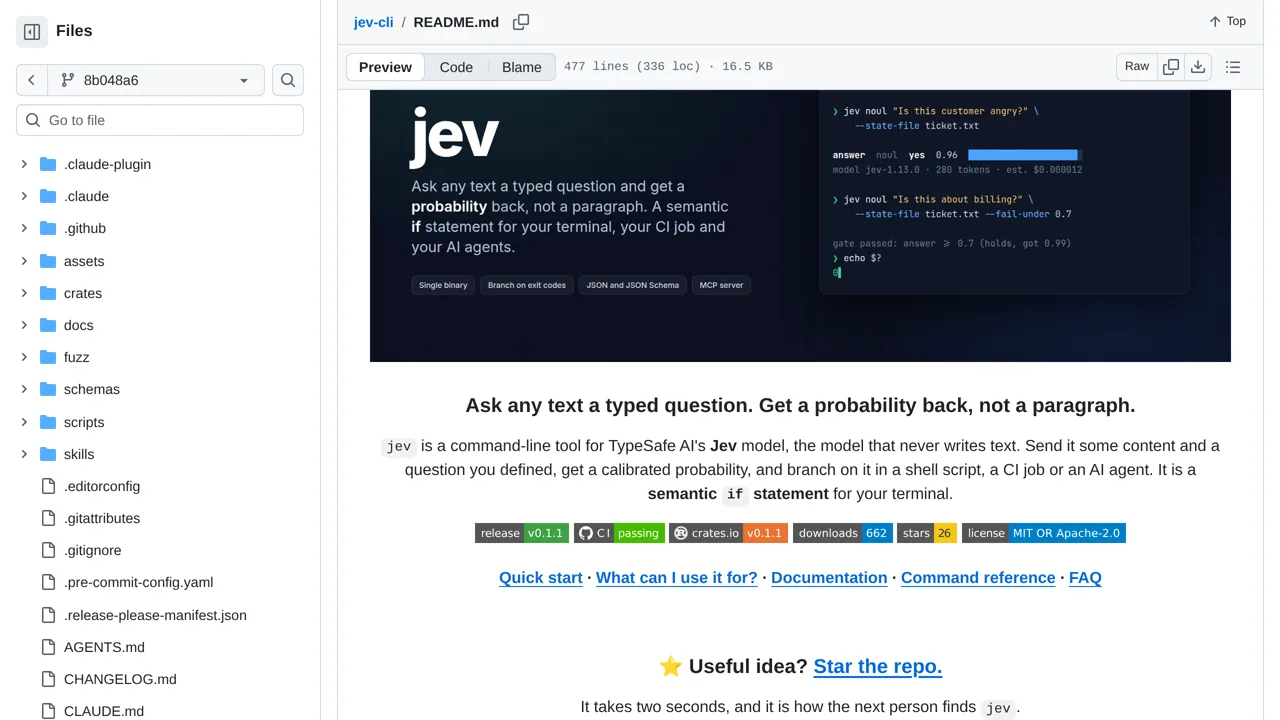
Turns typed questions about text into probabilities, exit codes, JSON, or MCP results for scripts, CI jobs, and agents.
SDKs & clients
Only you can see your notes.
Screenshot unavailable. Open the experiment ↗
Turns typed questions about text into probabilities, exit codes, JSON, or MCP results for scripts, CI jobs, and agents.
Start by writing down the exact yes-or-no questions your automated scripts or team bots need to check. Collect real text samples to test them on, such as code updates or user notes. A developer can then set up this command-line tool on your systems.
Your developer connects the tool using an access key from TypeSafe AI. Because every piece of evaluated text gets sent directly to that external service over the internet, keep in mind that private or sensitive records will leave your own computer to get an answer.