What it does
This prototype supports a limited query language, not arbitrary semantic search. Jev receives the search text rather than the loaded source files, but that text can still reveal private symbol names.
Agent tooling
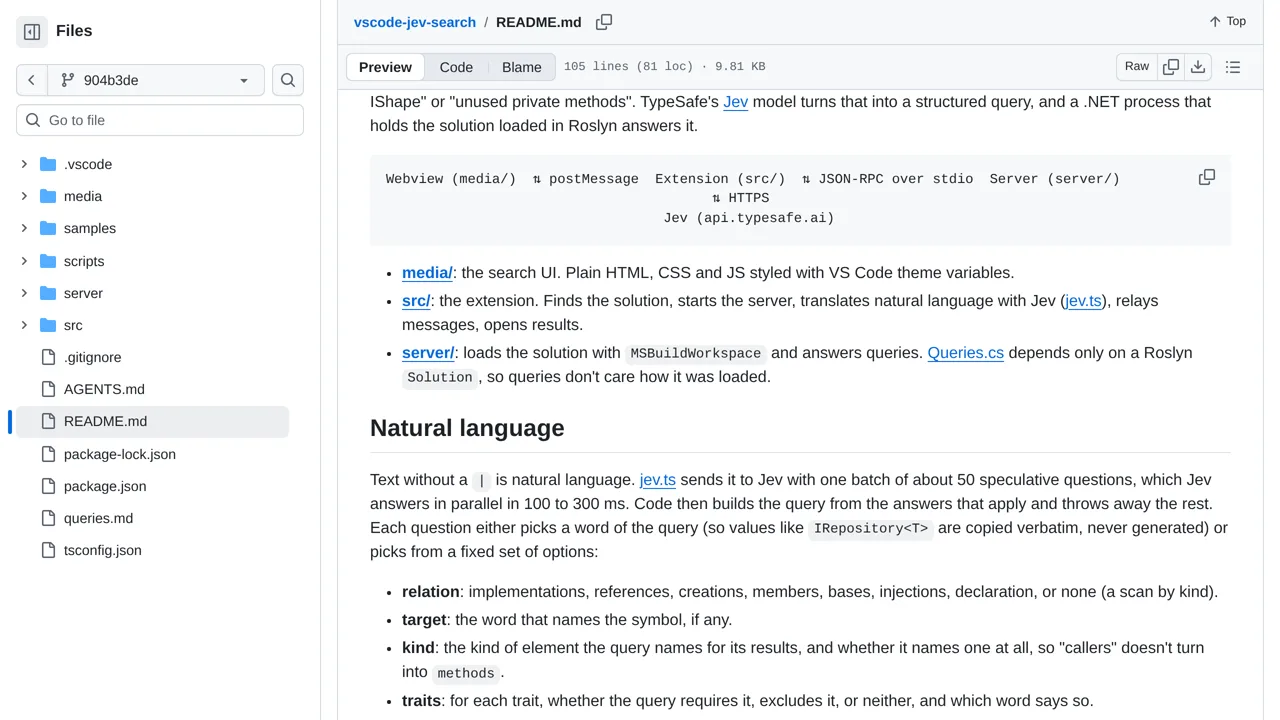
Find C# symbols in VS Code by describing them in English; Jev translates the request and a local code-analysis server finds matches.
Only you can see your notes.
Screenshot unavailable. Open the experiment ↗
This prototype supports a limited query language, not arbitrary semantic search. Jev receives the search text rather than the loaded source files, but that text can still reveal private symbol names.
Have a developer open the supplied sample project in the VS Code editor. Try a supported search for unused pieces of code. Jev turns your words into search instructions, and a program on your computer finds matches in the C# project. Check the displayed instructions before trusting the results.
English searches need a key for TypeSafe, an outside AI service. It receives your search words, which may reveal private code names. Searches written with vertical bars between instructions run on your computer without Jev. The displayed cost leaves out cancelled requests, so it is not a complete bill.