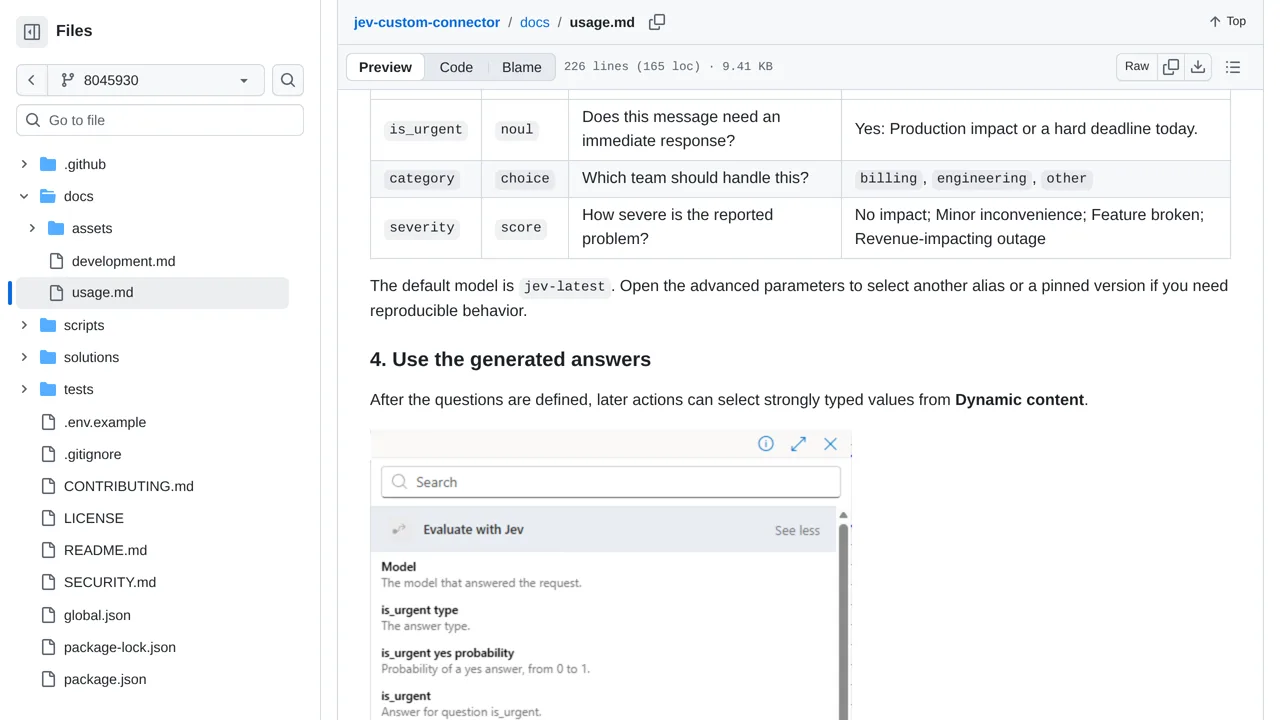
Markus Tobler's connector builds answer fields from the questions entered in the designer. Questions supplied through expressions get a generic answer object instead; changed questions need a designer refresh, and retries belong to the flow.
How you can use it
To sort a support inbox, ask a developer to connect this tool to a Power Automate flow. That is a series of steps that runs when a message arrives. Jev can suggest a team and flag urgency; your later steps decide whether to send the message to a person.
Download the ready-to-import package from the Releases page. You need a Power Platform environment and an access key that connects the tool to TypeSafe's paid AI service. Your messages go to that outside service. Reopen the tool's step after changing its questions so the answer fields update.