What it does
The permission screen tells the interface when that check was skipped.
Agent tooling
OpenChamber asks Jev to choose a model for Auto sessions and, when enabled, flag risky tool permissions for human review.
Only you can see your notes.
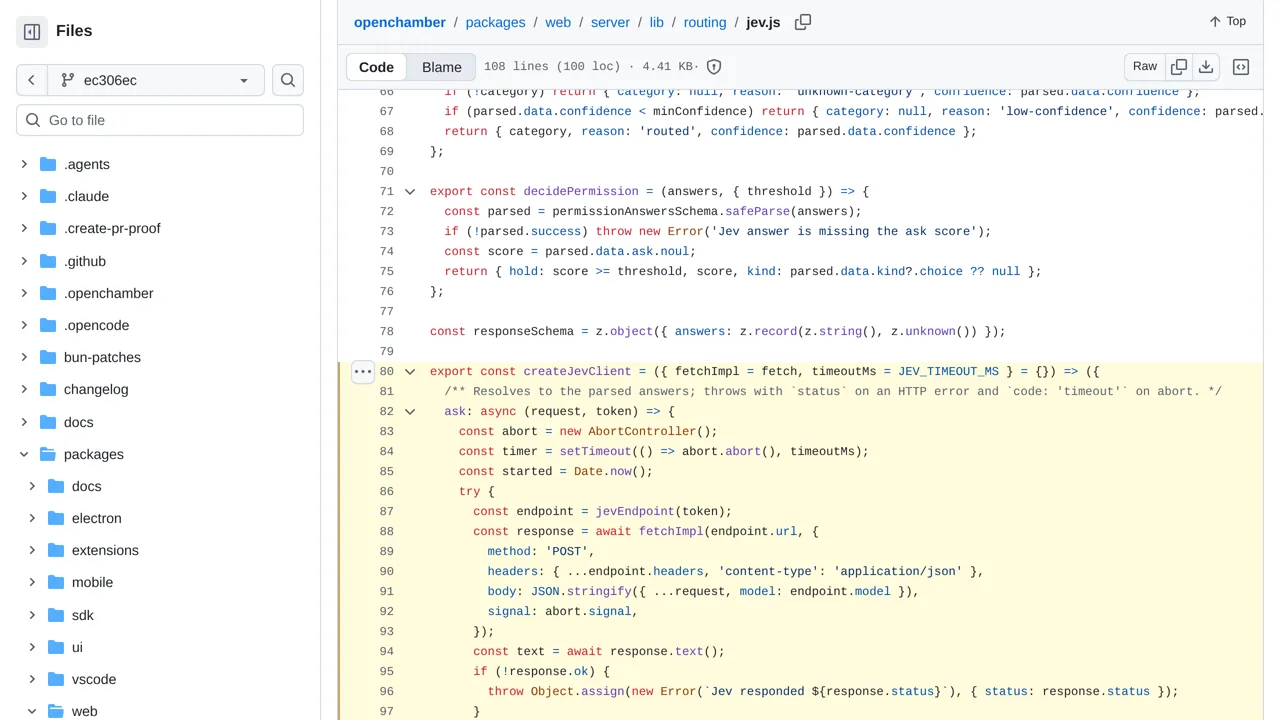
Screenshot unavailable. Open the experiment ↗
The permission screen tells the interface when that check was skipped.
You can install OpenChamber as a regular desktop app that includes everything it needs. If a developer adapts it for a web browser, it requires extra background software. OpenChamber sends your prompt history to the outside Jev service. Jev then chooses an AI model for the task.
The app also asks Jev to review requested tool actions. Jev returns a score for the request. The system maps this score to a simple decision. It either accepts the action or holds it on the screen. This lets a person review the choice before it continues.