What it does
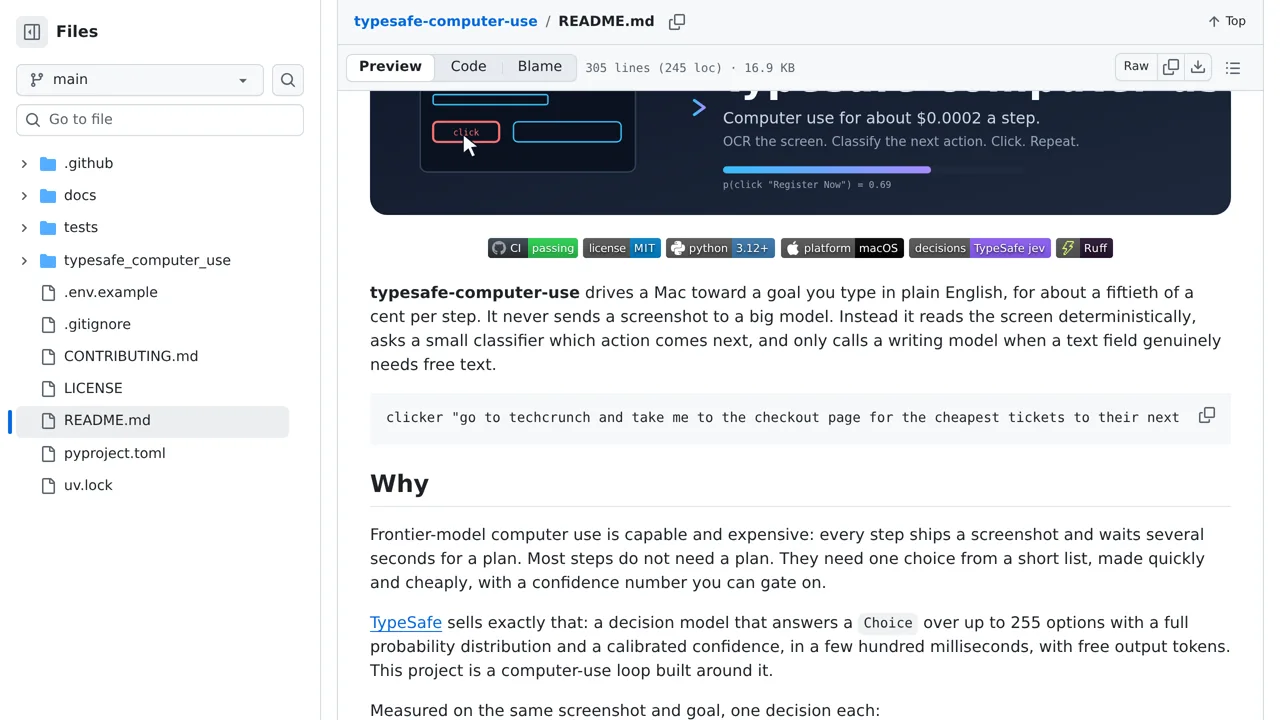
The maker estimates each step at about $0.0002.
Browser & computer use
A macOS automation loop that reads the screen with OCR, asks Jev what to do next, and clicks the chosen target.
Only you can see your notes.
Screenshot unavailable. Open the experiment ↗
The maker estimates each step at about $0.0002.
Start by writing down a clear task in everyday words, like finding the cheapest event tickets. Have a developer install the tool on a Mac. You will need an access key that connects the software to TypeSafe, plus Mac system permissions that allow screen reading and automated clicking.
Try a test run first where the computer only prints what it plans to do. Because the app reads text right off your display, close any private windows before you begin. If the mouse ever clicks the wrong spot during a live run, push it into the top-left corner to stop everything.