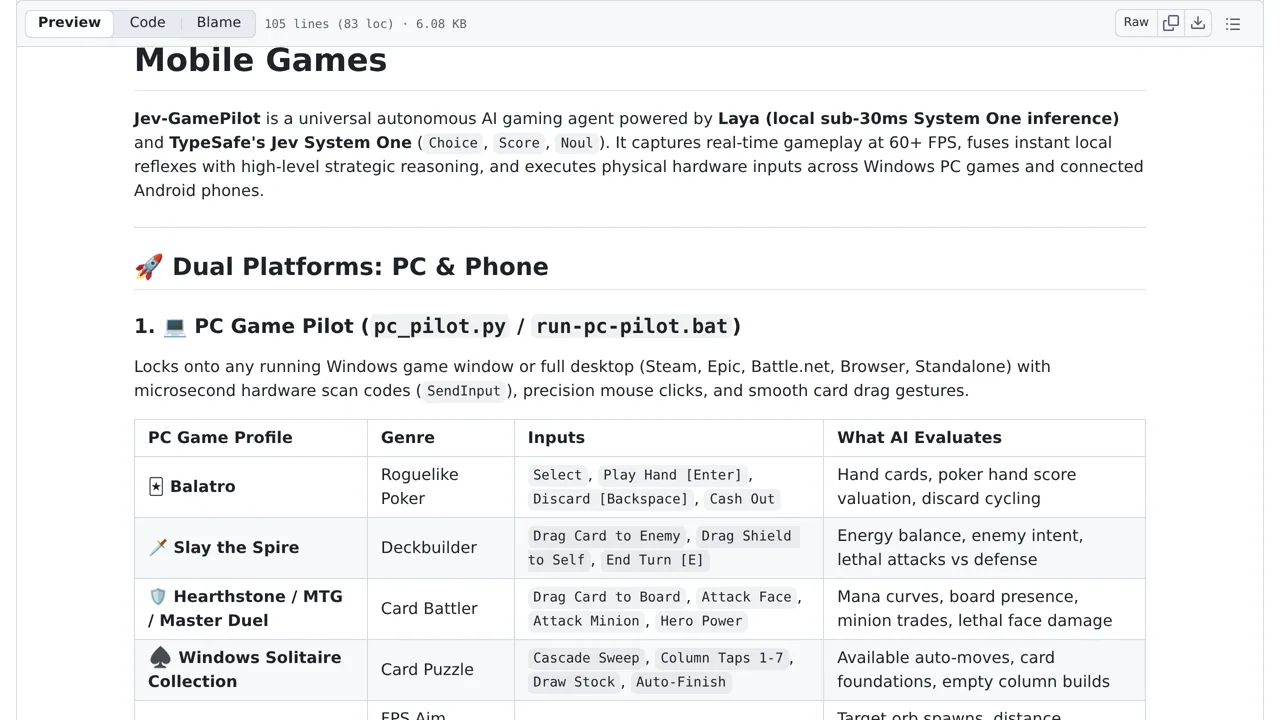
Jev-GamePilot is an experimental autonomous gaming agent that combines local screen capture, computer vision reflexes, and Jev System One decisions to control PC and Android games.
The system uses local code to capture screen states and inject hardware-level keyboard and mouse inputs. While it includes documented emergency-stop controls like an ESC key interrupt and a mouse failsafe corner, these safety mechanisms are not independently tested. Broad game support and speed claims remain unverified, and users must supply their own API keys.
How you can use it
For a Windows practice game, start with controls disarmed so the pilot only monitors the screen. Space or F8 is documented to toggle live input. The cloud Jev path requires your own service credentials and sends game-state information externally; local processing does not make the whole workflow local.
Treat the documented controls as untested, not a safety guarantee. ESC or Q is checked in the preview loop, and the top-left mouse corner uses PyAutoGUI's failsafe. Neither establishes that every direct Windows input stops immediately. Avoid sessions where unintended clicks or keystrokes would matter.