JevMade

Sign in
← Back to experiments

Articles & threads

Jev Workshop

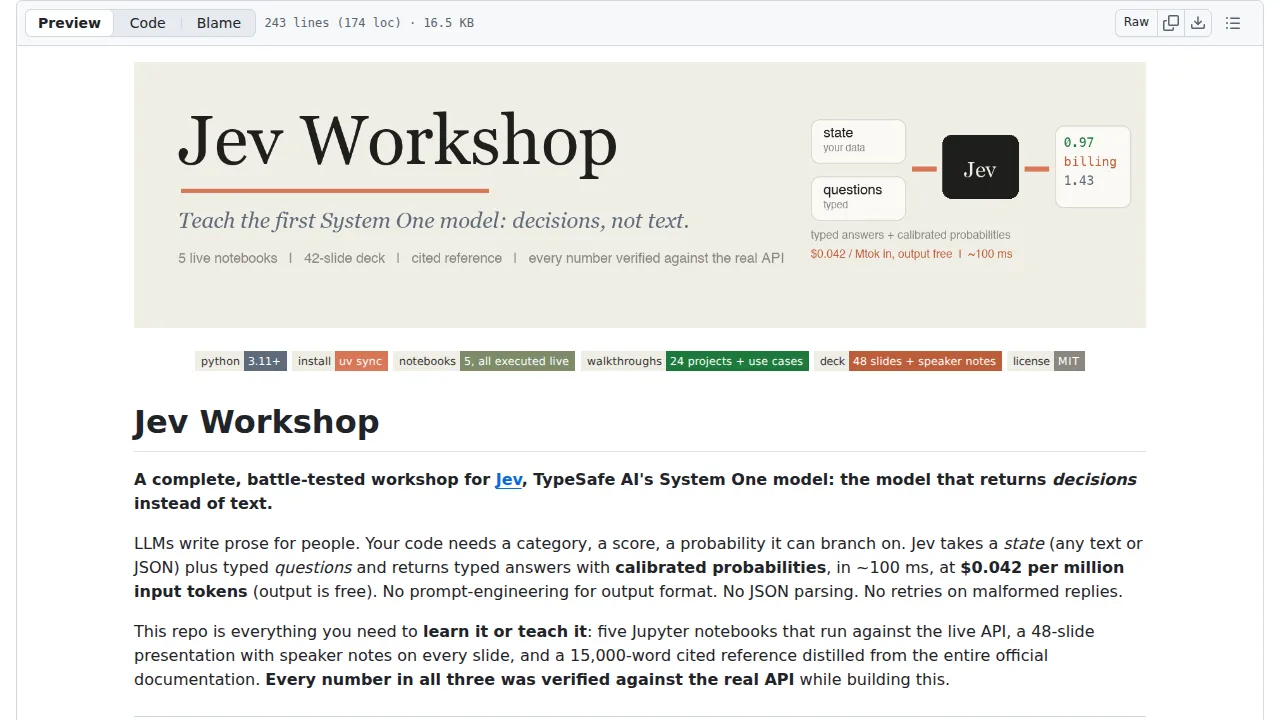
Work through executed Jupyter notebooks, a slide deck and a cited reference to learn how Jev turns states into typed decisions you can branch on.

Bookmark: Jev Workshop Keep this in your collection.
Leave a noteWhat would you try with this? : Jev Workshop

Only you can see your notes.

Source screenshot of Jev Workshop
SOURCE SCREENSHOTFull screenshot ↗

What it does

The repo also ships 24 walkthrough notebooks with small interactive UIs, single-file terminal builds such as a model router and an eval harness, and a deliberately kept failure where an ambiguous date splits Jev's probability between May and November. Notebooks are committed with live outputs, but running them needs a TypeSafe API key, and a few also need an OpenAI key.


How you can use it

Clone the repo, install with uv, and put a TypeSafe API key in the environment or a .env file.

Open the notebooks folder in Jupyter and run them top to bottom; the first one makes a simple call and explains the typed answers.

You can also read the notebooks on GitHub without a key, since their outputs are saved, or open the apps folder for the interactive walkthroughs.

Your note

Only you can see this. Clear the text and save to remove it.

Keep what you save

Sign in to keep bookmarks and private notes on every device. We email you a link; there is no password, and the same link creates your account.

