JevMade

Sign in
← Back to experiments

Official TypeSafe

Jevia (assistant-ui)

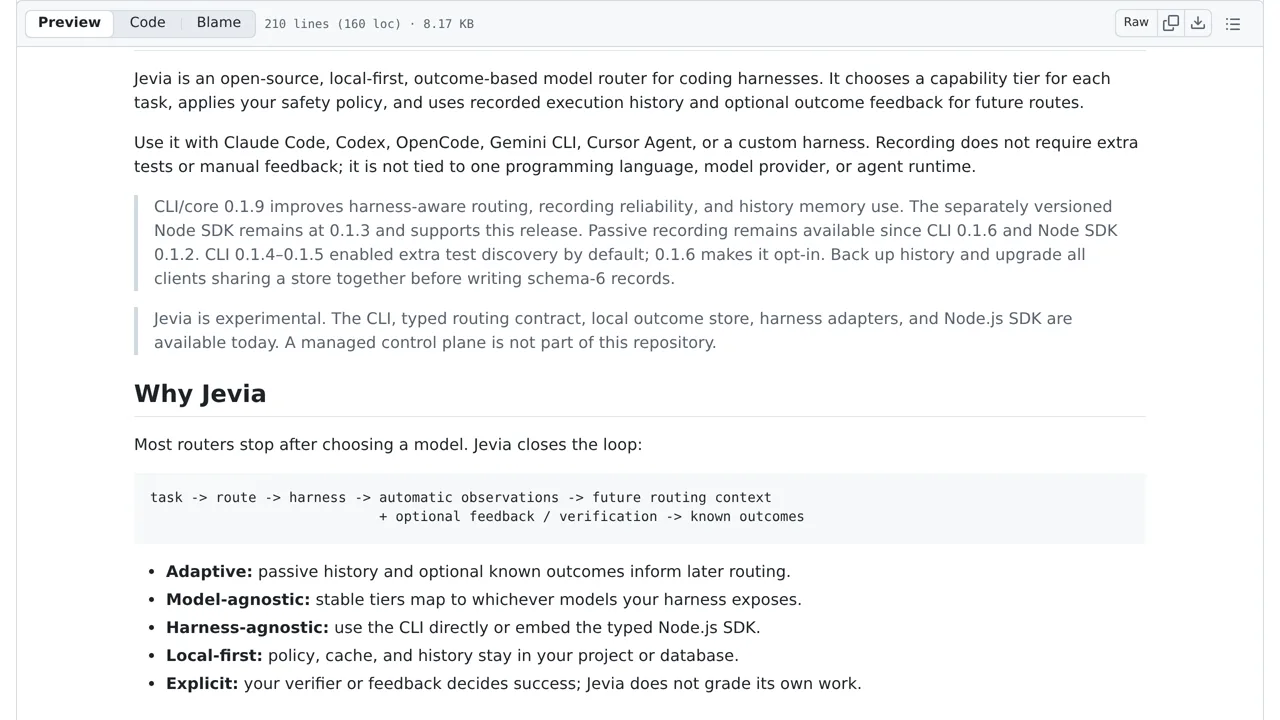
An experimental local tool selects a model level for coding tasks, uses a backup choice if unsure, and saves observations or explicit outcomes as context for later decisions. Improvement from that history is unmeasured.

Bookmark: Jevia (assistant-ui) Keep this in your collection.
Leave a noteWhat would you try with this? : Jevia (assistant-ui)

Only you can see your notes.

Source screenshot of Jevia (assistant-ui)
SOURCE SCREENSHOTFull screenshot ↗

What it does

The tool does not measure how much history improves its choices. A finished task does not prove it was successful; you must provide explicit feedback to confirm outcomes. It does not include a central management system, and the Node.js software requires the separate command-line tool to be installed.


How you can use it

Install the command-line tool and set up your project. Use the route command to pick a model level for a task, or use the run command to start your coding tool and save the result automatically.

Start with the documented task of investigating a failing integration test. Ask for a model level, or let Jevia start the coding tool and record what happened. Recorded history informs later choices, but improvement is unmeasured. A finished process is only an observation; feedback or verification is needed to establish a successful outcome.

Your note

Only you can see this. Clear the text and save to remove it.

Keep what you save

Sign in to keep bookmarks and private notes on every device. We email you a link; there is no password, and the same link creates your account.