JevMade

Sign in
← Back to experiments

Browser & computer use

Reverie (r3c0nc1l3r)

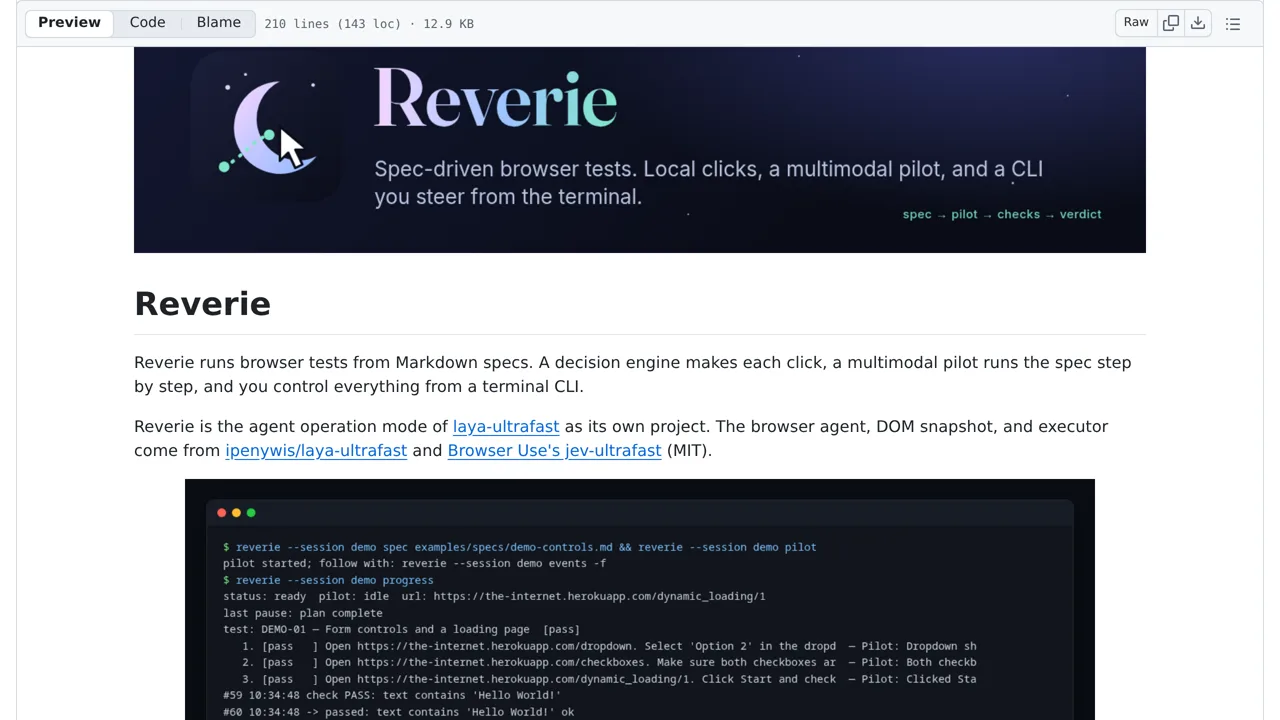
Reverie is a tool that runs automated web browser tests from written text files by using the Jev AI model to choose which buttons to click.

Bookmark: Reverie (r3c0nc1l3r) Keep this in your collection.
Leave a noteWhat would you try with this? : Reverie (r3c0nc1l3r)

Only you can see your notes.

Source screenshot of Reverie (r3c0nc1l3r)
SOURCE SCREENSHOTFull screenshot ↗

What it does

Jev chooses operations and targets from structured page actions. Separate text helpers supply typed values, and a multimodal pilot tracks progress. Input constraints are prompts, not deterministic guarantees. Hosted models receive page context and recent actions; local Laya decisions are optional, but other hosted components retain separate data flows.


How you can use it

Write browser-test steps in a text file, including the intended clicks and values to enter, then start a session and load that file from the terminal. Use a practice page first. Jev selects actions and targets; separate text and vision models handle typing assistance and progress checks.

Review what was entered and the resulting page rather than trusting instructions to enforce exact text. Hosted Jev is the default; local Laya decisions are also documented, so an OpenRouter key is not required for every decision path. Hosted components can receive page text, element details and recent action history.

Your note

Only you can see this. Clear the text and save to remove it.

Keep what you save

Sign in to keep bookmarks and private notes on every device. We email you a link; there is no password, and the same link creates your account.